
The same puzzle, two Android sizes
Jigsaw puzzles on a phone vs tablet.
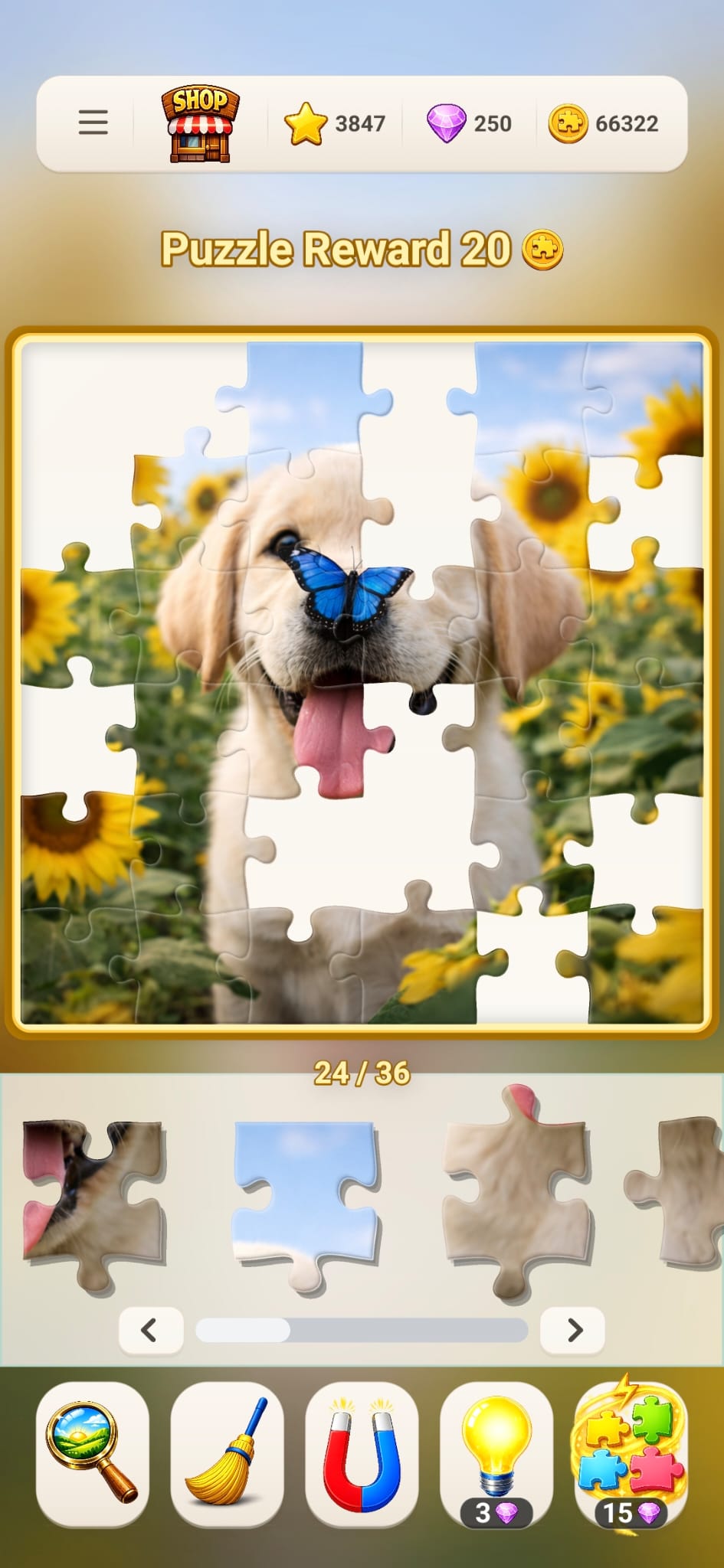
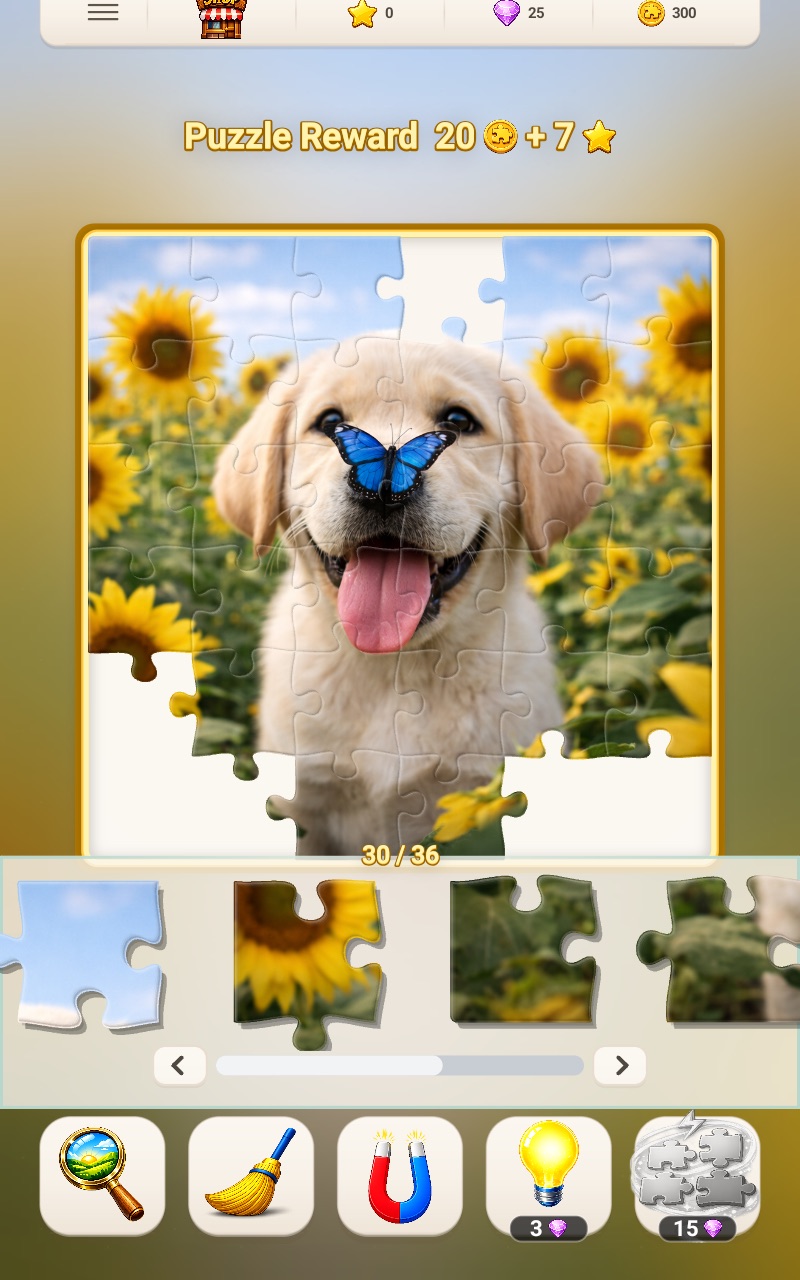
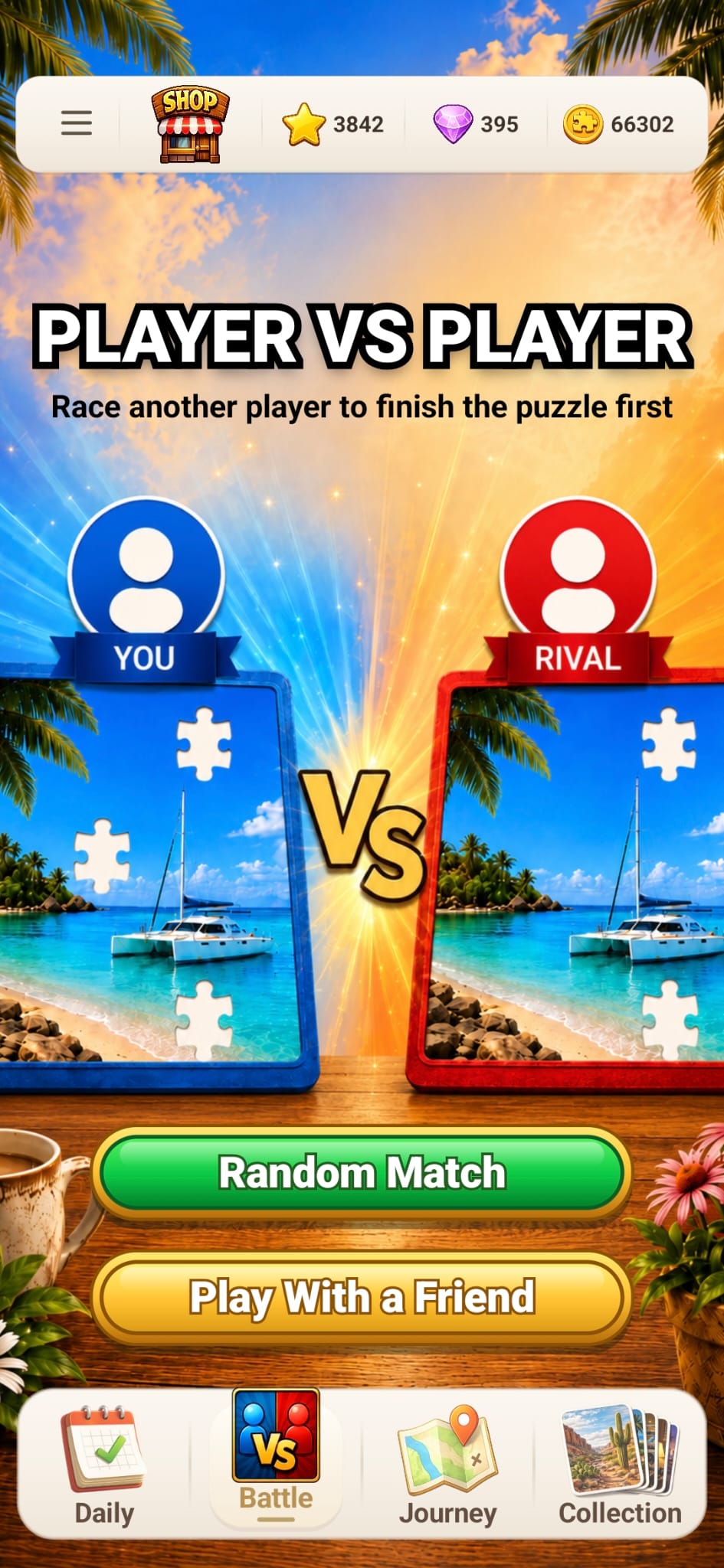
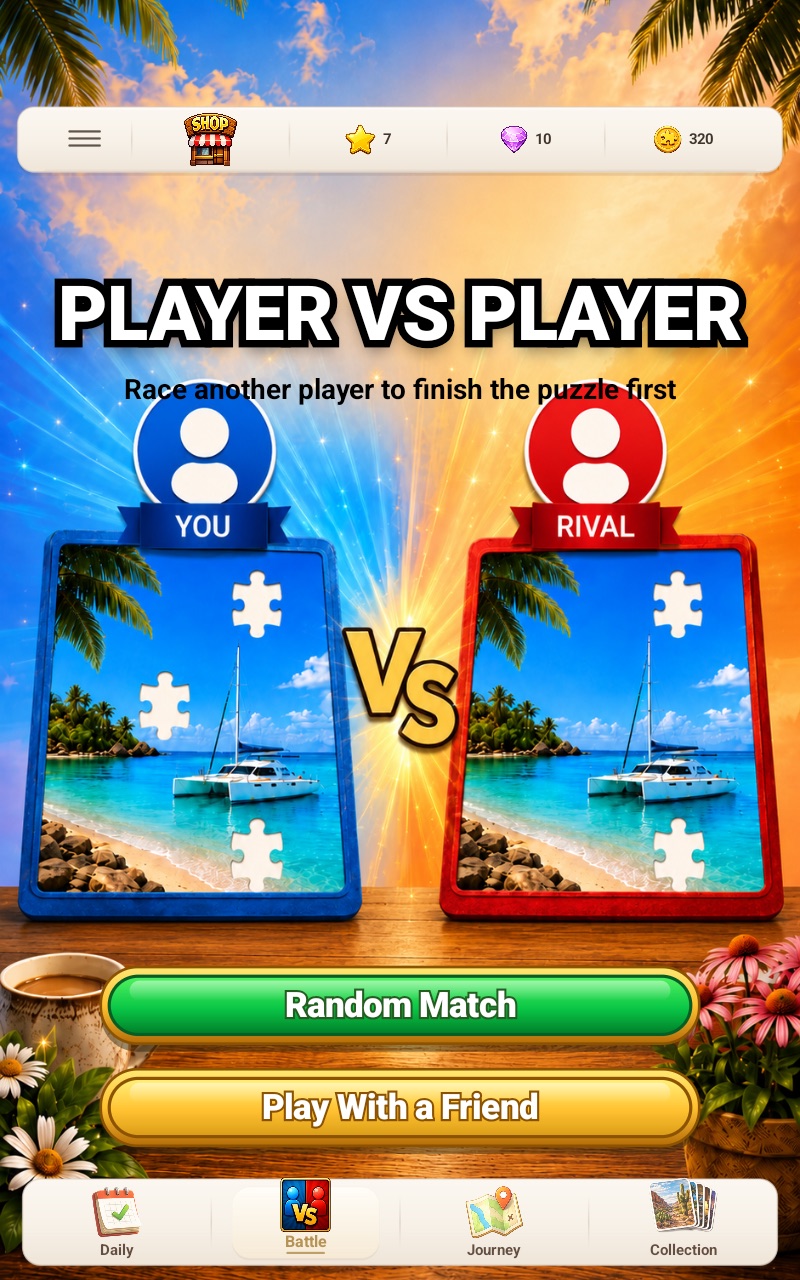
A phone is easier to carry and reach. A tablet gives the picture and loose pieces more physical screen space. Use the real Fun Journey layouts below to choose the better fit for your session.
Choose a phone when
Portability matters most.
- You want the puzzle available wherever your phone is.
- You prefer shorter sessions or lower piece counts.
- You are comfortable zooming or scanning a compact tray.
- You usually hold the device rather than setting it on a surface.
Choose a tablet when
Board visibility matters most.
- You want larger picture details and more room around pieces.
- You enjoy 144-, 225- or 400-piece challenges.
- You prefer setting the device down for a longer session.
- You want navigation and collection screens to show more at once.
What stays consistent
The puzzle remains central on both screens.
Fun Journey keeps the image board above a scrollable piece tray and puts the solving tools below it. The tablet layout uses its extra width for a roomier presentation, while the portrait phone layout keeps the same actions within a narrower reach.
Piece-count starting point
Let screen size influence the first choice, not limit every choice.
These are practical starting points, not device restrictions. Picture complexity, eyesight, touch comfort and preferred session length matter as much as diagonal screen size.
Device questions
Choose comfort, then choose challenge.
Do I need a tablet to play a 400-piece puzzle?
No. The game supports the piece count on Android devices, but a larger tablet can make the board and visual details more comfortable to inspect.
Is the tablet version a different game?
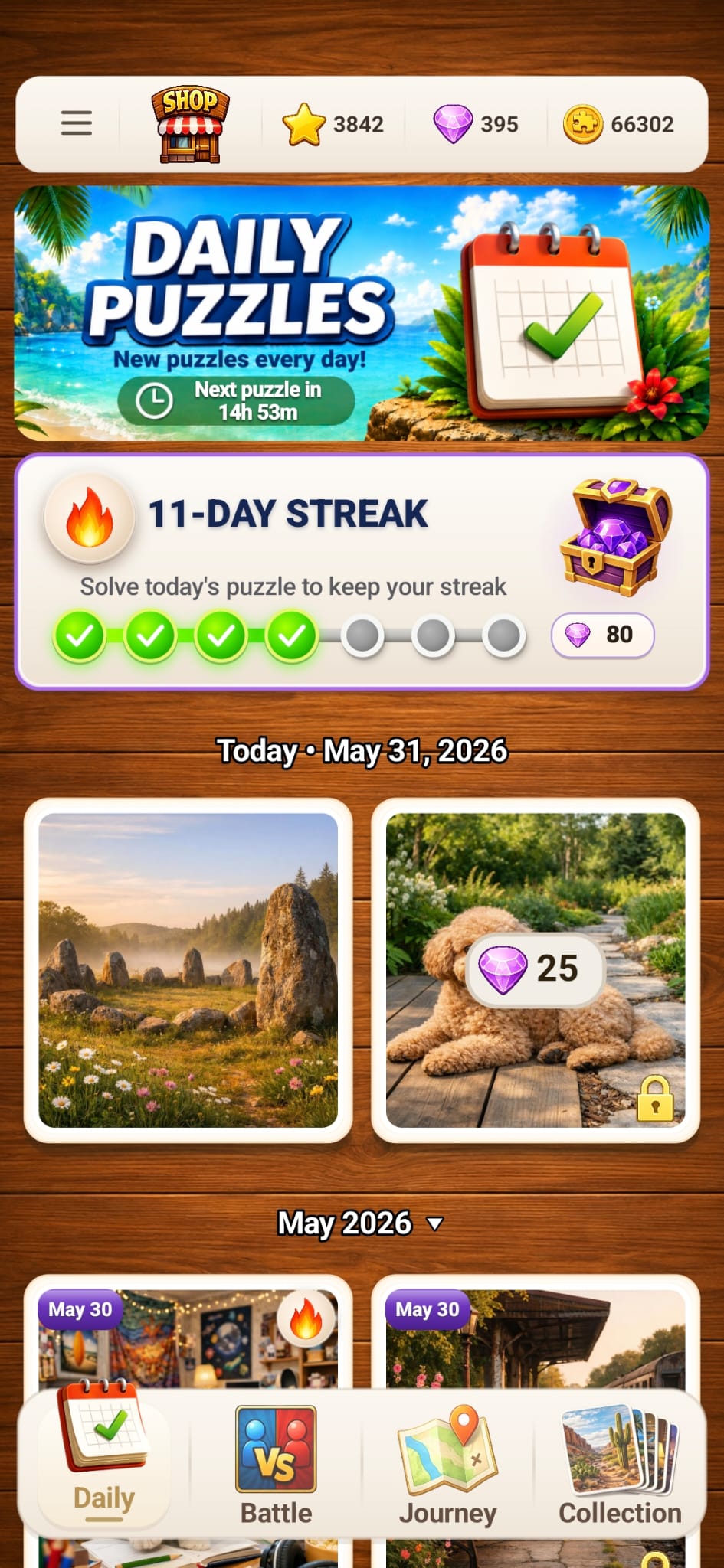
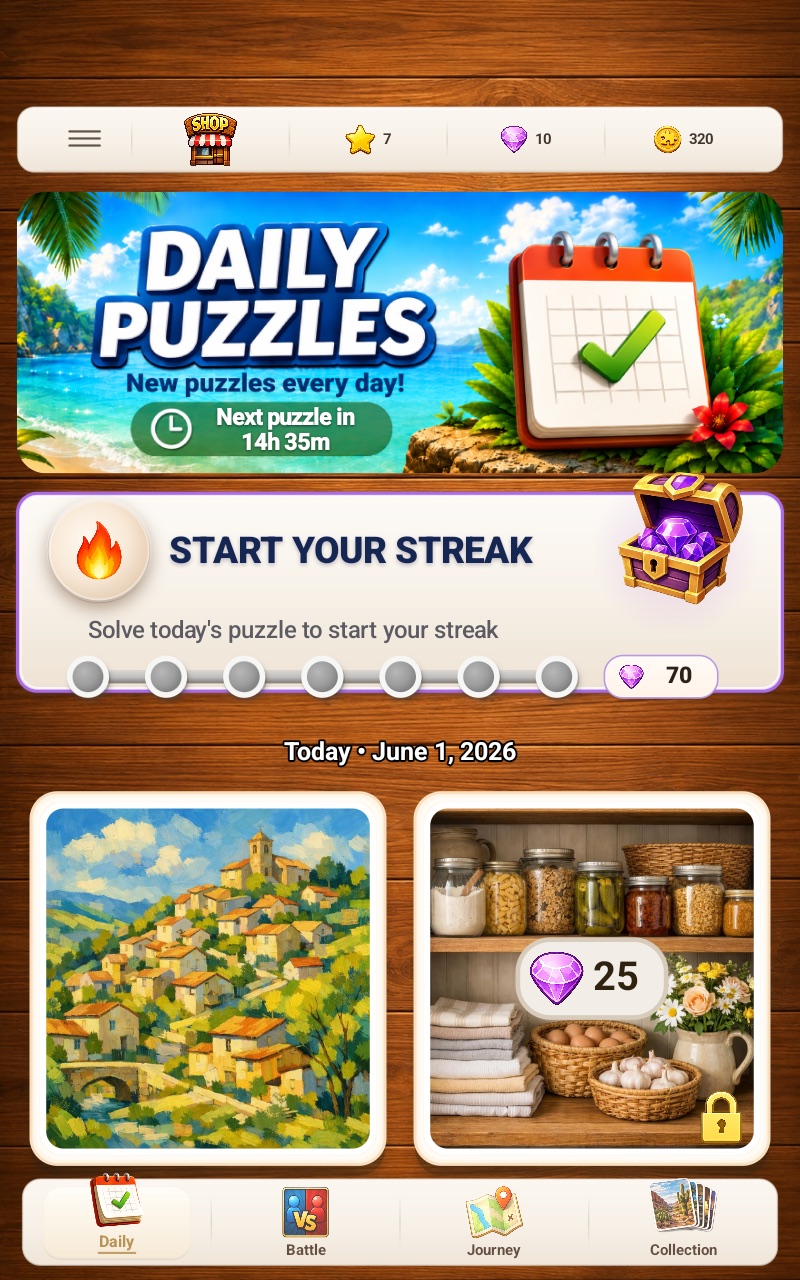
No. The screenshots show Fun Journey adapted to different screen sizes, with the same main modes and puzzle tools.
Which device is better for Daily puzzles?
Use the phone for immediate access and the tablet for a larger selection and board view. The daily challenge and streak concept remain the same.