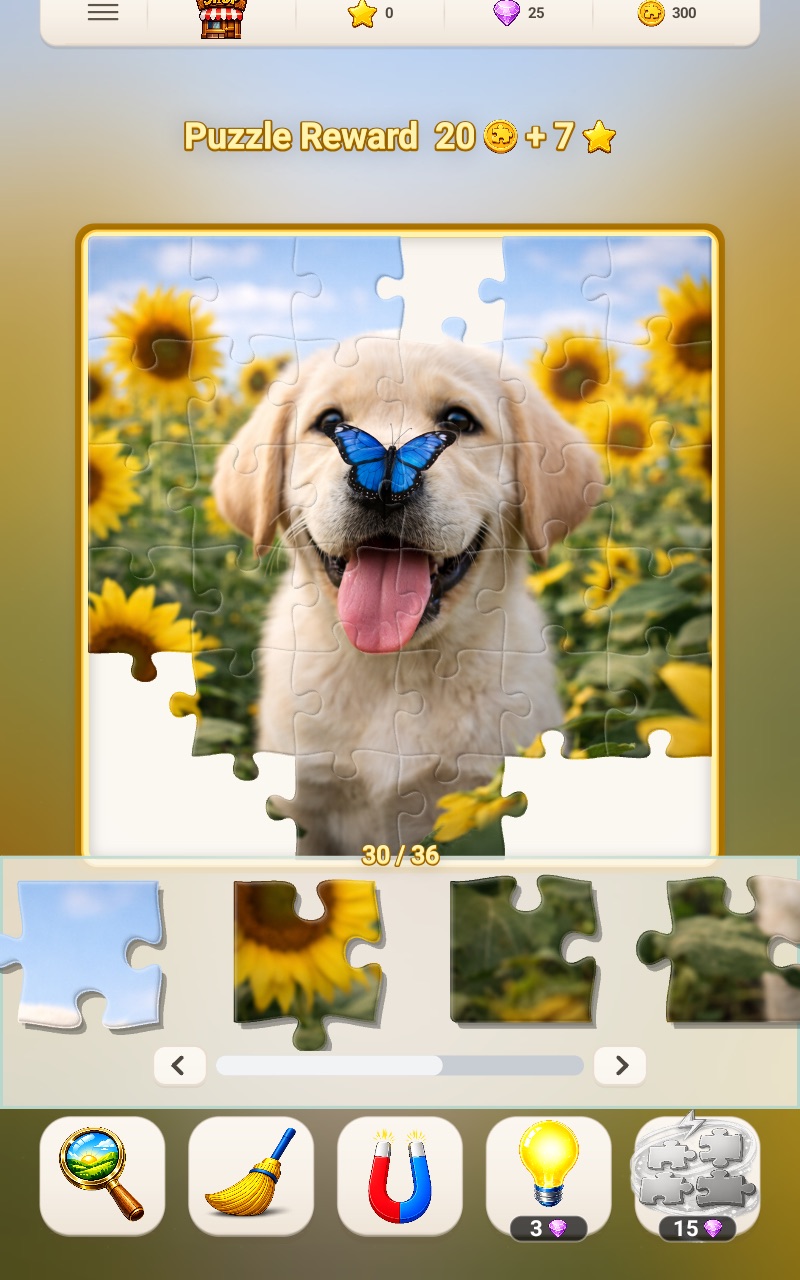
Helpful jigsaw tools for the exact moment you need them.
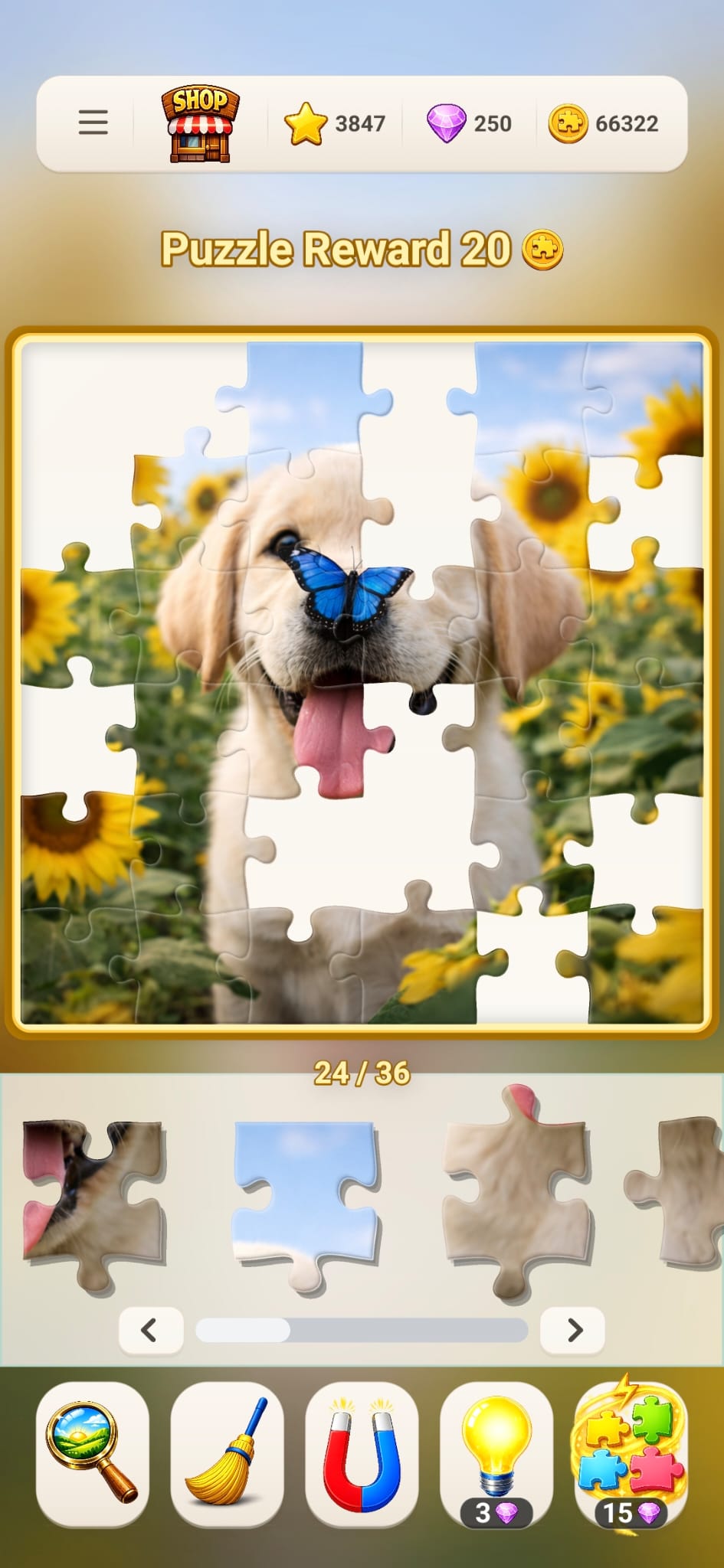
Preview the target picture, bring edge pieces together, return misplaced loose pieces to the tray or use a hint. Each tool solves a different kind of puzzle slowdown.
Sometimes the problem is memory: you have lost track of the finished picture. Sometimes it is organization: the edge pieces are mixed through the tray. Sometimes loose pieces tested on the board need to return to the tray. Fun Journey separates those needs into tools so you can choose the smallest useful assist.
01 · ORIENTATION
Preview the complete picture
Press and hold Preview to display the complete picture. Release it to return to the board. A look at the reference can show whether a blue region is sky, water or a reflection before you test more pieces.
Best moment: when several similar sections make the overall composition hard to remember.
02 · STRUCTURE
Bring the edge pieces forward
The magnet-shaped Edge Pieces tool brings corner and edge pieces forward in the tray. It organizes the pieces for you to inspect and place; it does not automatically fit them into the board.
Best moment: at the beginning of a high-piece-count board or whenever the border is still incomplete.
03 · SPACE
Return misplaced loose pieces
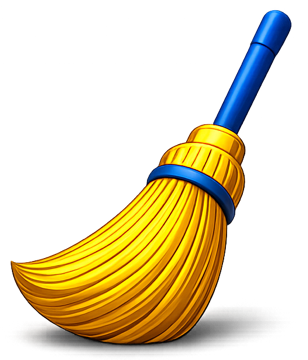
Sweep returns incorrectly placed loose pieces from the board to the tray, while correctly placed pieces stay in position. That clears accidental clutter without changing the solved sections.
Best moment: after testing several pieces on the board and wanting to reset the loose ones.
04 · MOMENTUM
Use a hint for one stubborn piece
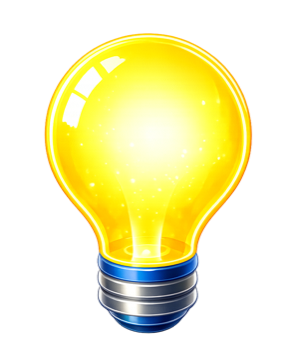
The Hint tool uses gems and reveals help for the current board. It is most useful after you have tried a different region, checked the target image and narrowed the likely space.
Best moment: when the pause has stopped being satisfying and one assist would restore the flow.
Use less help, more deliberately
Try a clear sequence before reaching for a hint.
Press and hold Preview to read the whole picture again.
Change to a different color or object region.
Inspect the open shape, not only the image printed on a piece.
Use Preview, Edge Pieces or Sweep for the specific problem.
Choose Hint when a nudge will make the board enjoyable again.
Tool questions
Help should make the puzzle clearer.
Does using a tool solve the whole puzzle?
No. Preview displays the target image while you press and hold its button, Edge Pieces reorganizes the tray and Sweep returns misplaced loose pieces to the tray. Hint provides a targeted assist; the remaining picture is still yours to assemble.
Which tool should a beginner use first?
Preview and Edge Pieces are a good starting pair. One clarifies the target image and the other reduces the first sorting task.
Can tools help on 225- and 400-piece puzzles?
Yes. Larger boards create more sorting and visual-clutter challenges, which makes organization tools especially useful.
The right help at the right moment
Try a picture puzzle with tools that respect the solve.