A better tray begins with fewer categories
How to sort jigsaw puzzle pieces without sorting forever.
Use edges first, then build only the color and object groups that will create a real section of the picture. Save shape sorting for the spaces that remain.
The short version
Define the board
Separate flat edges, but do not force the frame.
Pieces with one straight side are immediately useful because they tell you where the image ends. Corner pieces have two straight sides and give the border a direction. Pull these out first, then group them loosely by the color printed along the flat edge.
If the border is repetitive—an entire blue sky or a dark frame—build only the obvious connections. You can leave uncertain edge pieces visible until interior landmarks tell you where they belong.
Reduce the picture
Sort by useful visual difference, not every color name.
“Blue” is often too broad. A puzzle may contain pale sky, deep water, blue fabric and a tiny blue flower. Create groups based on how the color behaves in the image: smooth pale blue, rippled dark blue, or blue beside a sharp white line.
Texture and direction matter as much as hue. Feathers, fur, leaves, brush strokes, clouds and wood grain each create a different pattern even when their colors overlap.
Build recognizable islands
Give priority to faces, objects and strong boundaries.
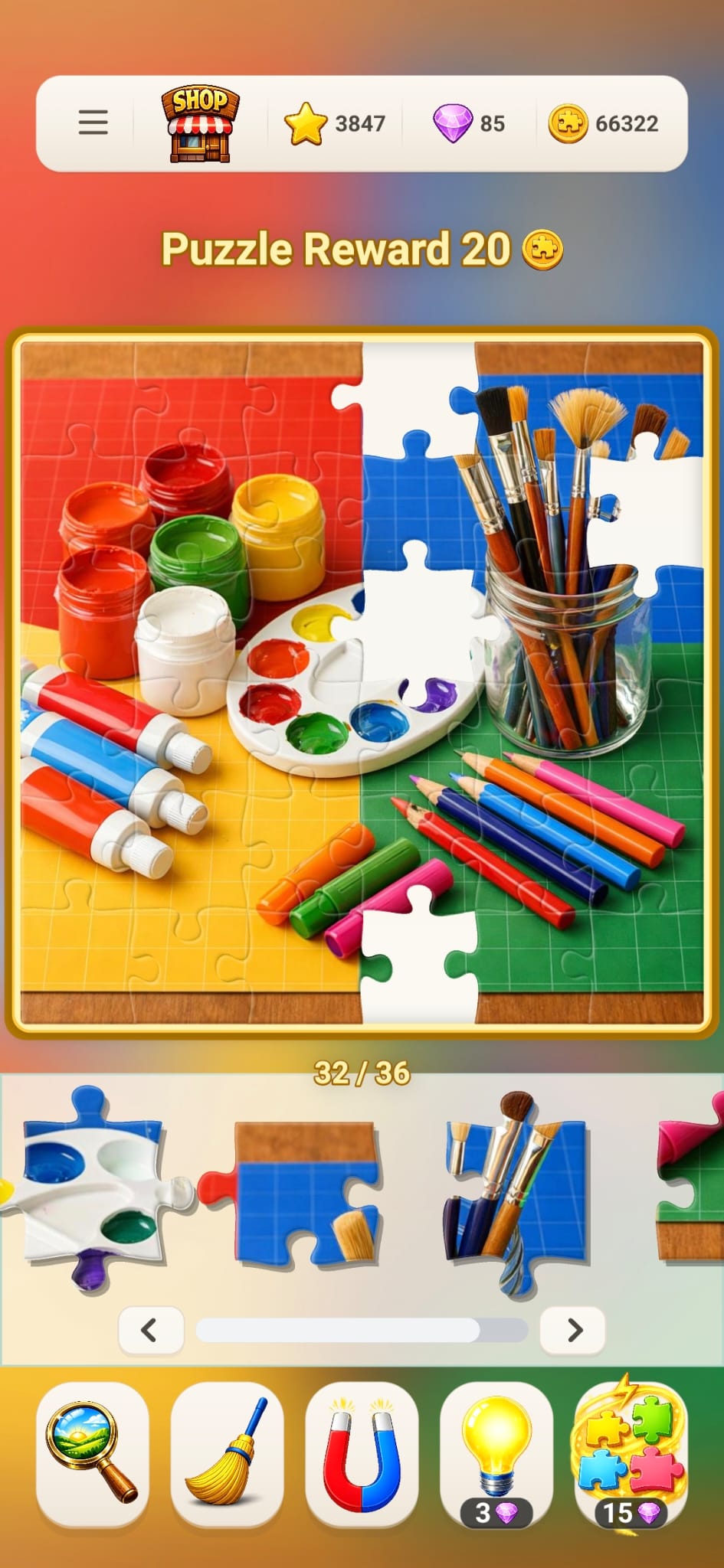
An eye, a flower center, a mountain ridge, a window or the rim of a paint jar is easier to locate than a generic patch of background. Gather the pieces that can extend that landmark and assemble the small section away from the border.
Once the island is large enough to identify its position, connect it to the frame or place it where the reference picture suggests. Each island divides a large empty board into smaller questions.
Use geometry later
Sort tabs and blanks when the open space is specific.
Sorting every piece by shape at the beginning creates many groups without telling you where any group belongs. Shape becomes powerful near the end, when one empty space clearly needs a piece with a tab on top and a blank on the right.
At that stage, compare the exact arrangement of tabs and blanks first, then use shade or line direction to choose among the few matching candidates.
A compact piece-shape glossary
Name the shape before you search for it.
- Corner piece
- Two straight sides that meet at a corner of the finished picture.
- Edge piece
- One straight side that belongs along the outer border.
- Interior piece
- No straight sides; all four sides connect inside the picture.
- Tab or knob
- The rounded part that projects outward from a piece.
- Blank or socket
- The inward opening that receives a neighboring tab.
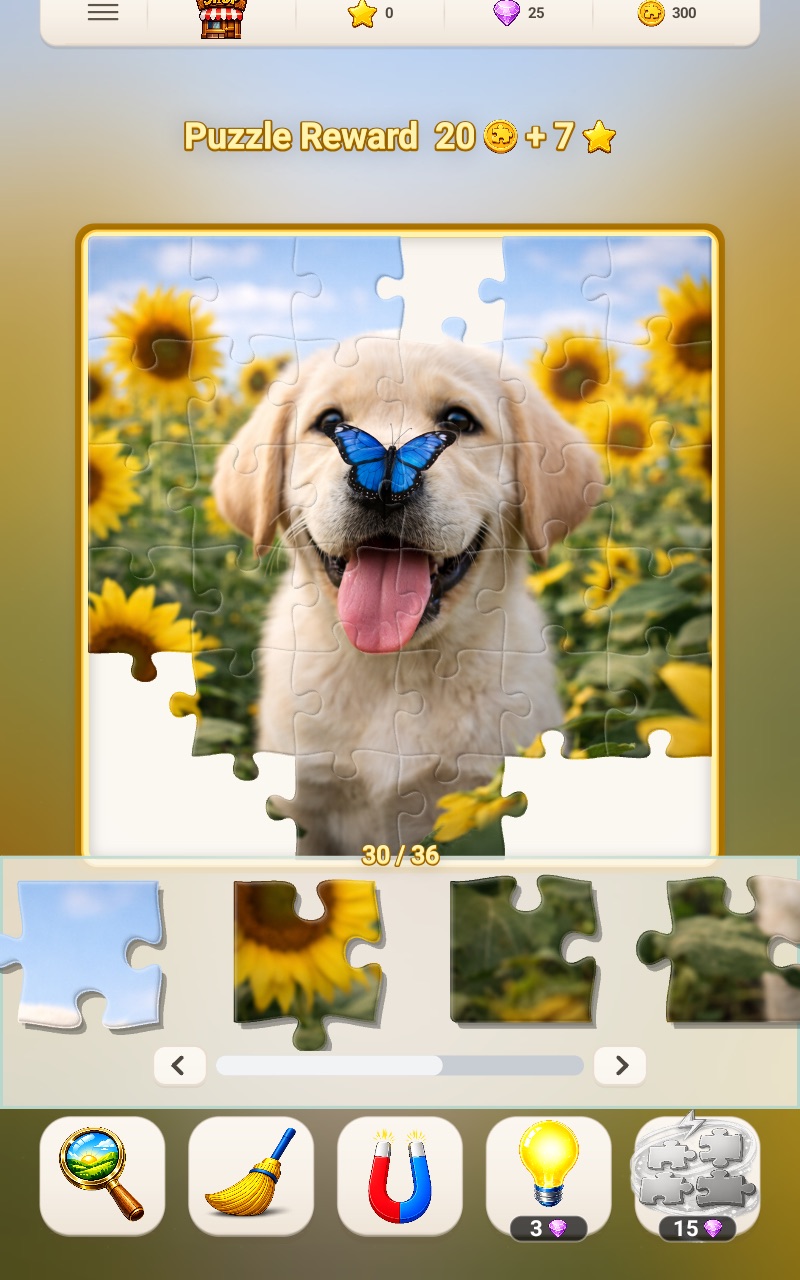
Use the nearly finished puppy board as a late-stage example. For any open interior gap, inspect the four neighboring sides before scanning the tray. If three neighbors present tabs into the gap and the fourth presents a blank, the missing piece must have three blanks and one tab—the 1-tab/3-blank shape. Color and line direction then choose among the remaining pieces with that profile.
Sorting on a phone or tablet
Replace physical piles with a repeatable scan.
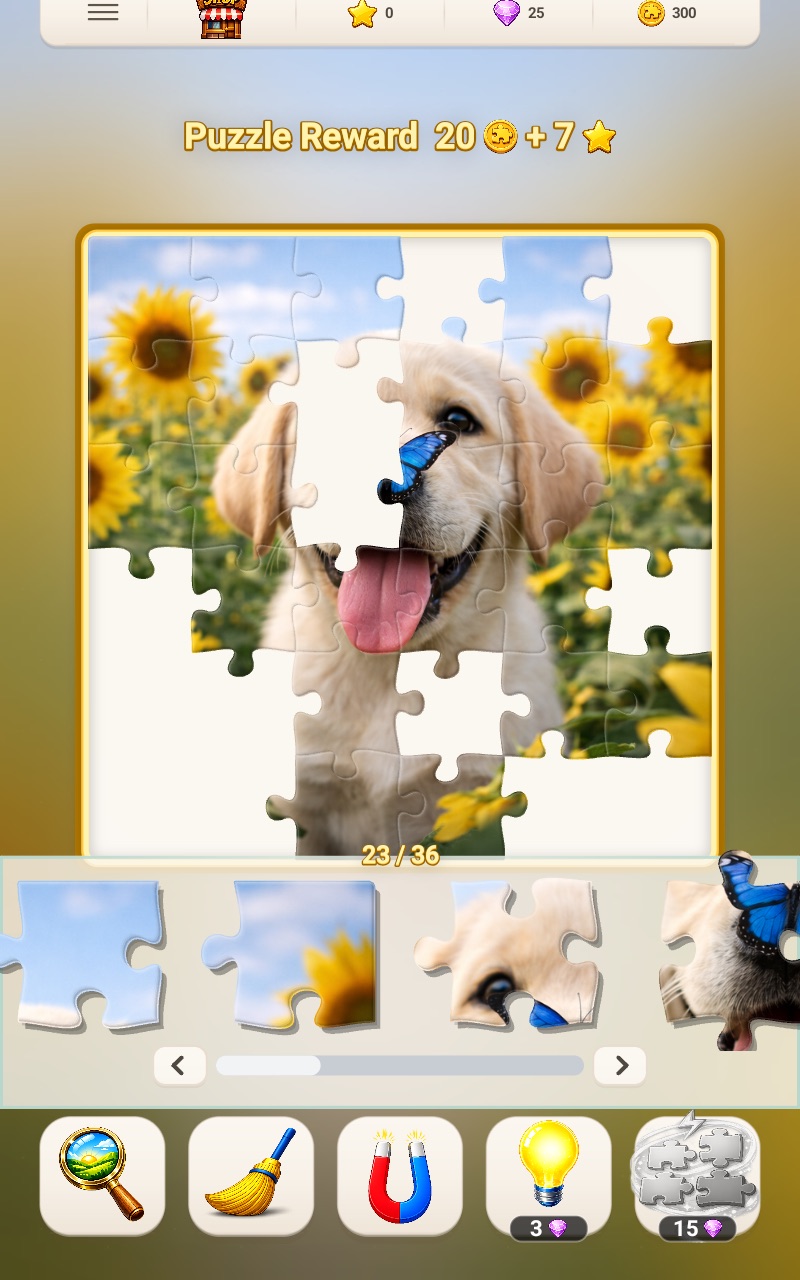
A digital tray does not give you unlimited table space, so use the order of your search instead. Scan once for flat edges, once for the landmark color you are building and once for the shape required by a specific gap.
In Fun Journey, Edge Pieces can reorder the tray around border pieces. Preview displays the target image while you press and hold its button, while Sweep returns misplaced loose pieces from the board to the tray.
- Choose one active region at a time
- Scan the tray with the same question
- Place confident pieces before changing groups
- Use shape only after location is narrowed
Sorting questions
A useful sort makes the next move easier.
How many piles should I make?
Make only enough groups to represent distinct picture regions you can build. If a pile does not suggest a location or section, it is probably too broad.
Should I sort all pieces before starting?
No. Pull out obvious edges and landmarks, begin connecting them, and refine the remaining groups as the picture becomes easier to read.
What should I do with pieces that fit several groups?
Keep a small uncertain group in full view. Revisit it after surrounding sections reveal more color context or a specific required shape.